
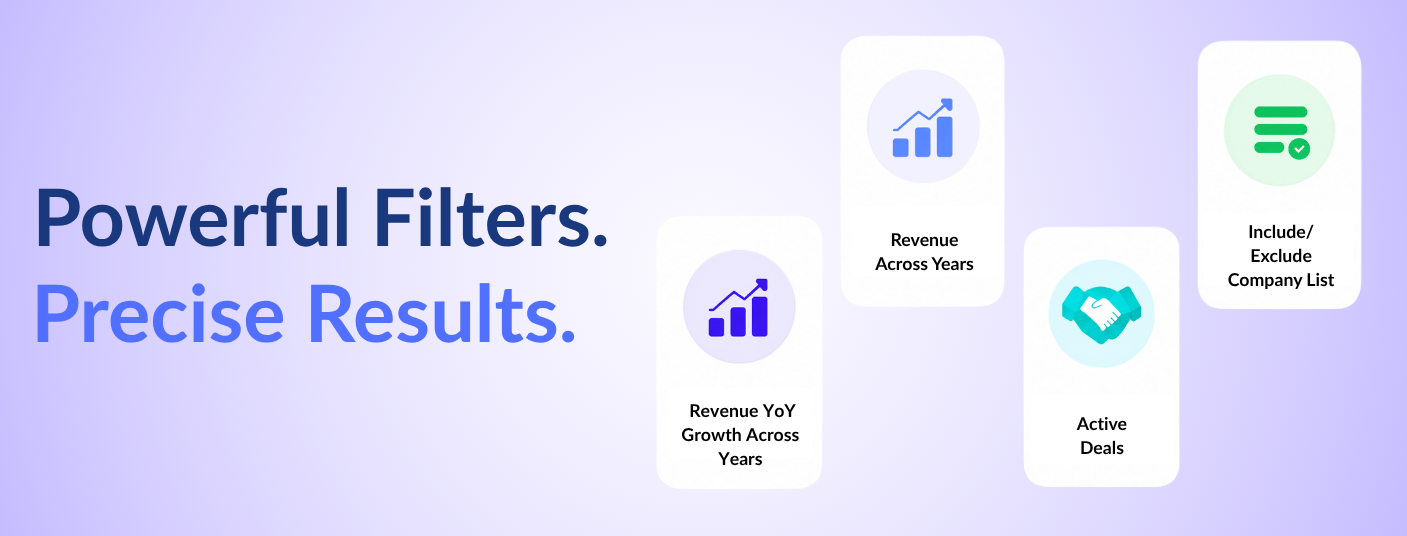
You can now filter by revenue across a custom date range and by Year-over-Year (YoY) revenue growth across specific financial years - giving you a more precise view of how companies have grown over time.
For example:
Where to find it:
1. Open Company DB or Legal Entity DB
2. Click on Filters
3. Go to Company Financials
4. Select Revenue Across Years or Revenue YoY Growth Across Years
Use your own curated list of companies as a filter - include a defined set to benchmark against, or exclude known names to keep your results focused.
For example - you have a saved list of AI companies in Australia that you have already evaluated. You are searching for funded AI companies globally in Company DB and want to exclude the Australian AI companies. To remove these companies from your results, go to Filters > Custom List > Exclude List of Companies and select your Australia list. Your results will show funded AI companies globally, excluding the Australian AI list.
Where to find it:
1. Open Company DB
2. Click on Filters
3. Go to Custom List
4. Select Include List of Companies to add a specific set to your results, or Exclude List of Companies to remove them
Alongside the LiveDeals section, you can now filter for companies actively raising capital directly from the Company DB filter panel. Filter by deal type - Fresh Equity, Debt, Secondary, or M&A - to quickly identify companies that are currently in the market.
Where to find it:
1. Open Company DB
2. Click on Filters
3. Go to Company Funding
4. Select Active Deals in the Market (LiveDeals)
5. Choose deal type - Fresh Equity, Debt, Secondary, or M&A
We’ve got you covered 24/7.
Reach out via live chat, email at support, or WhatsApp—we’re always here to help.
Premium features, no strings attached. See what the full platform can do for your research.