Get more room for your data - collapse the sidebar
Get more room for your data - collapse the sidebar
September 15, 2026
·
Platform
More screen for what you are working on
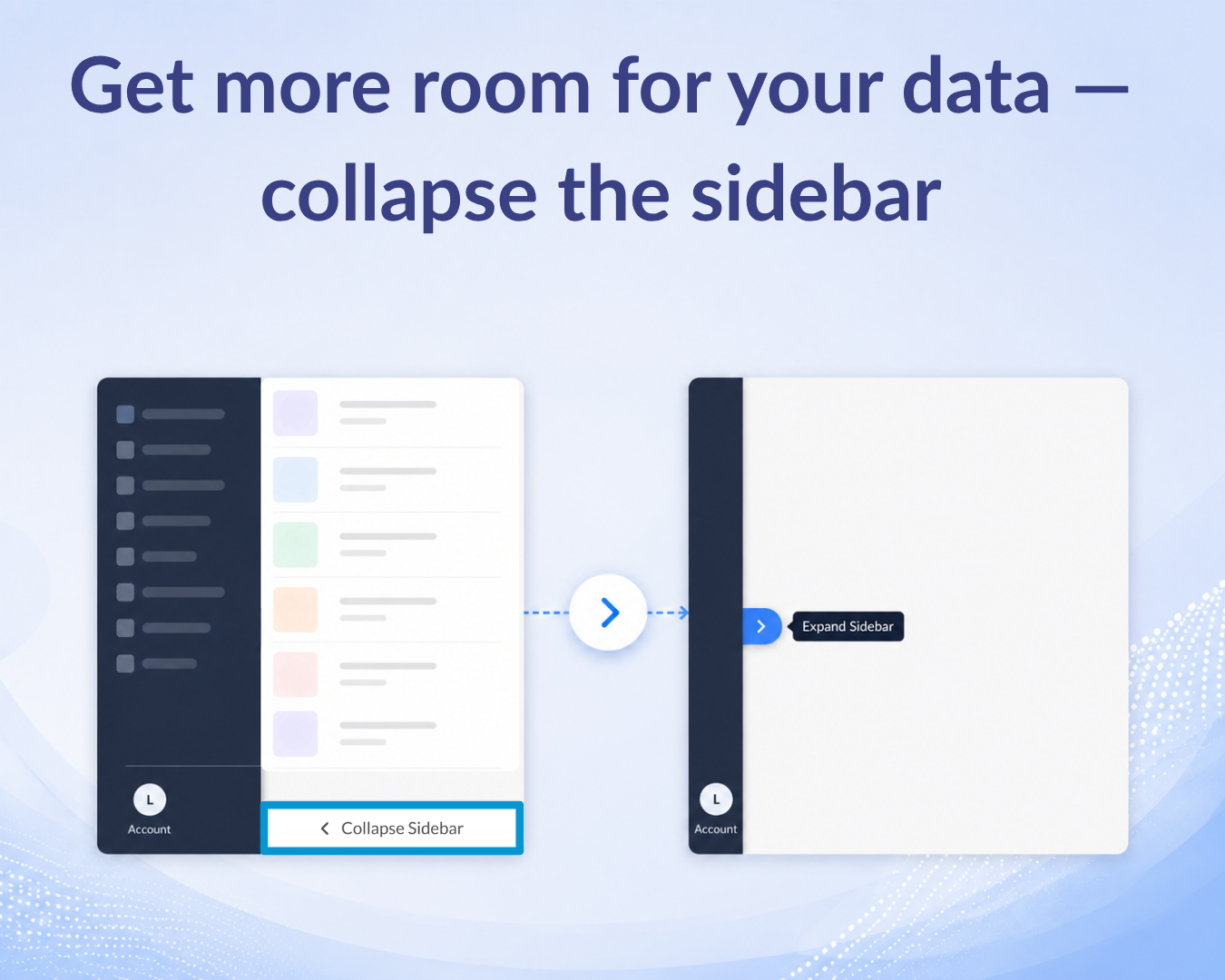
Widen your workspace in one click – Click Collapse Sidebar at the bottom of the left panel, and the navigation tucks away. Your table stretches into the full width, so you see more columns without scrolling sideways.
Works where the data is dense – The option is available on the Explore Databases, Sectors, and Custom Lists pages - the places where tables run wide and every column counts.️
Where to find it
Open the Explore Databases, Sectors, or Custom Lists page.
Click the Collapse Sidebar at the bottom of the left navigation panel.
Click the ”>” arrow to expand it again.
Need help?
We’ve got you covered 24/7. Reach out via live chat, email at support, or WhatsApp—we’re always here to help.
Share
Try Tracxn for free
Premium features, no strings attached. See what the full platform can do for your research.