

For the full setup guide for each workspace, see the Help Center article.
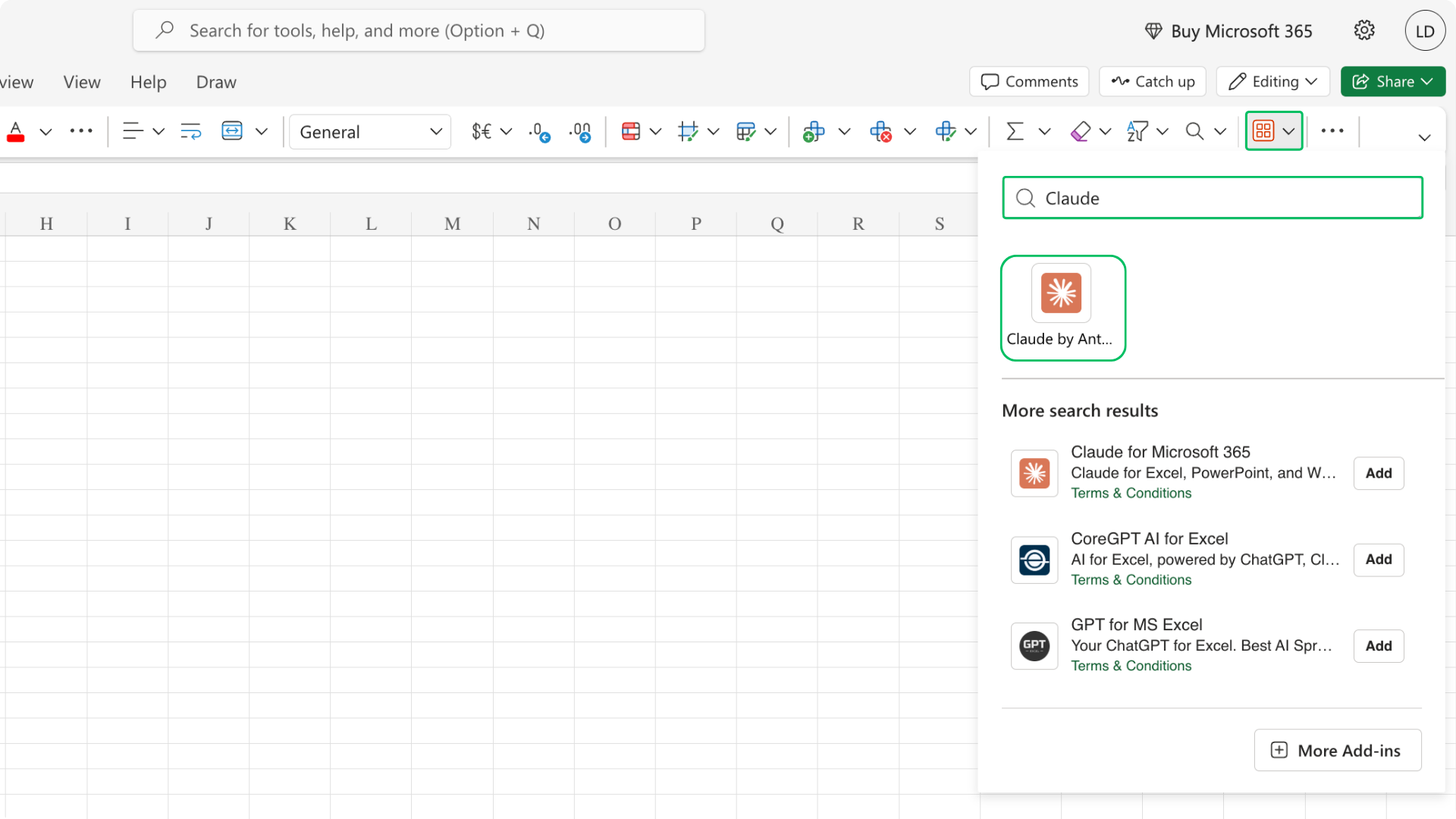
1) Go to the Add-ins menu, search for your AI tool, and add it.
2) Click Log in, and sign in with your Claude account in the window that appears.
.png)
3) Type your query in natural language
.png)
4) Claude pulls the results from Tracxn and the data lands in your worksheet
.png)
We’ve got you covered 24/7.
Reach out via live chat, email at support, or WhatsApp—we’re always here to help.
Premium features, no strings attached. See what the full platform can do for your research.