
For the full setup guide for each workspace, see the Help Center article.
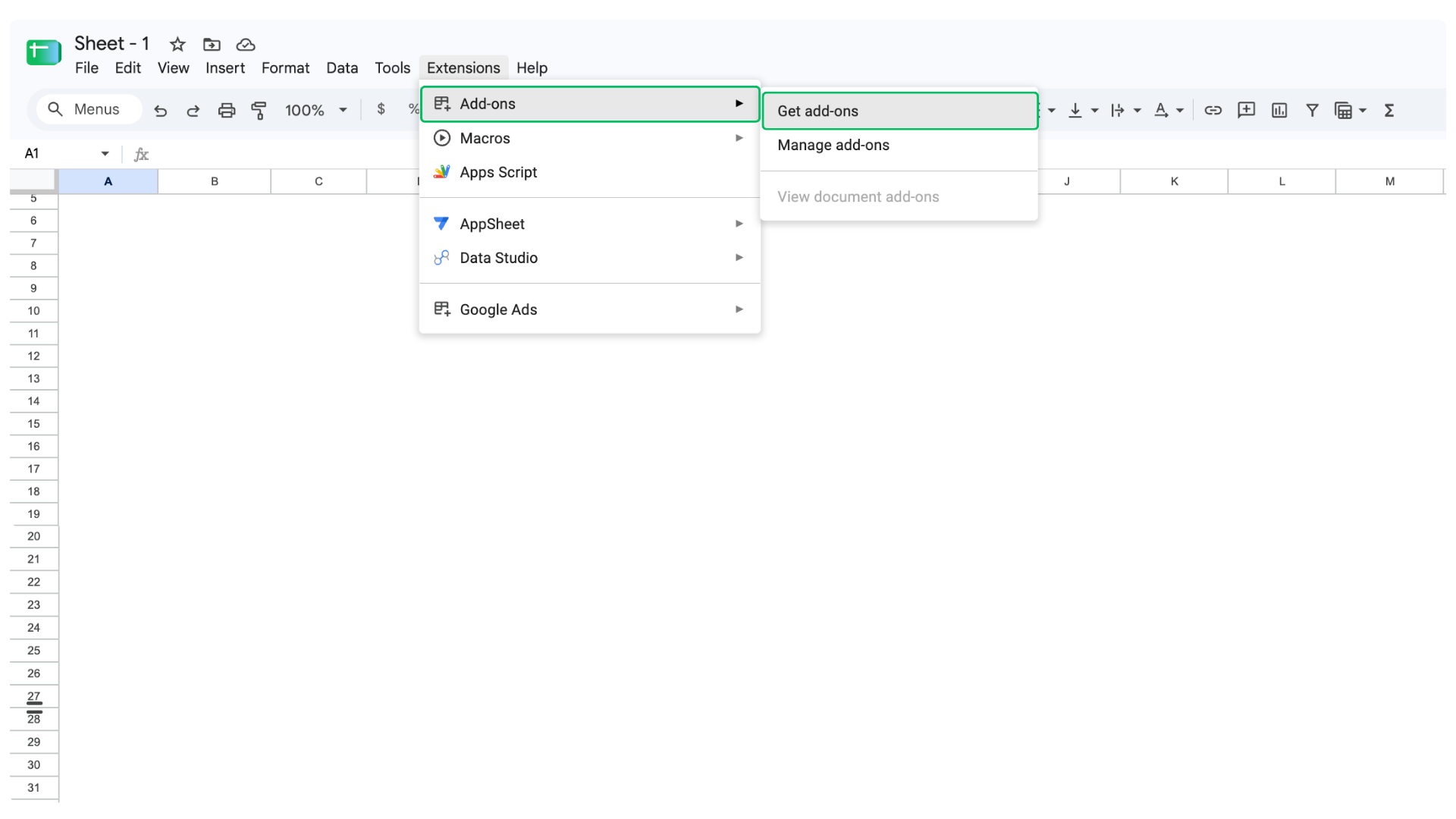
1) Open Google Sheets, click Extensions, go to Add-ons, and choose Get add-ons.
2) Search for ChatGPT in the Google Workspace Marketplace and install ChatGPT for Google Sheets.
.png)
3) Click Continue with ChatGPT and sign in.
.png)
4) Back in your sheet, click Extensions, pick ChatGPT, and open the sidebar.
.png)
5) Ask your query in natural language and the results land in your sheet.
.png)
We’ve got you covered 24/7.
Reach out via live chat, email at support, or WhatsApp—we’re always here to help.
Premium features, no strings attached. See what the full platform can do for your research.