☑️ Get converted financials in the file – All financial data in the exported file - revenue, funding, valuations, and more - is converted to the currency you selected.
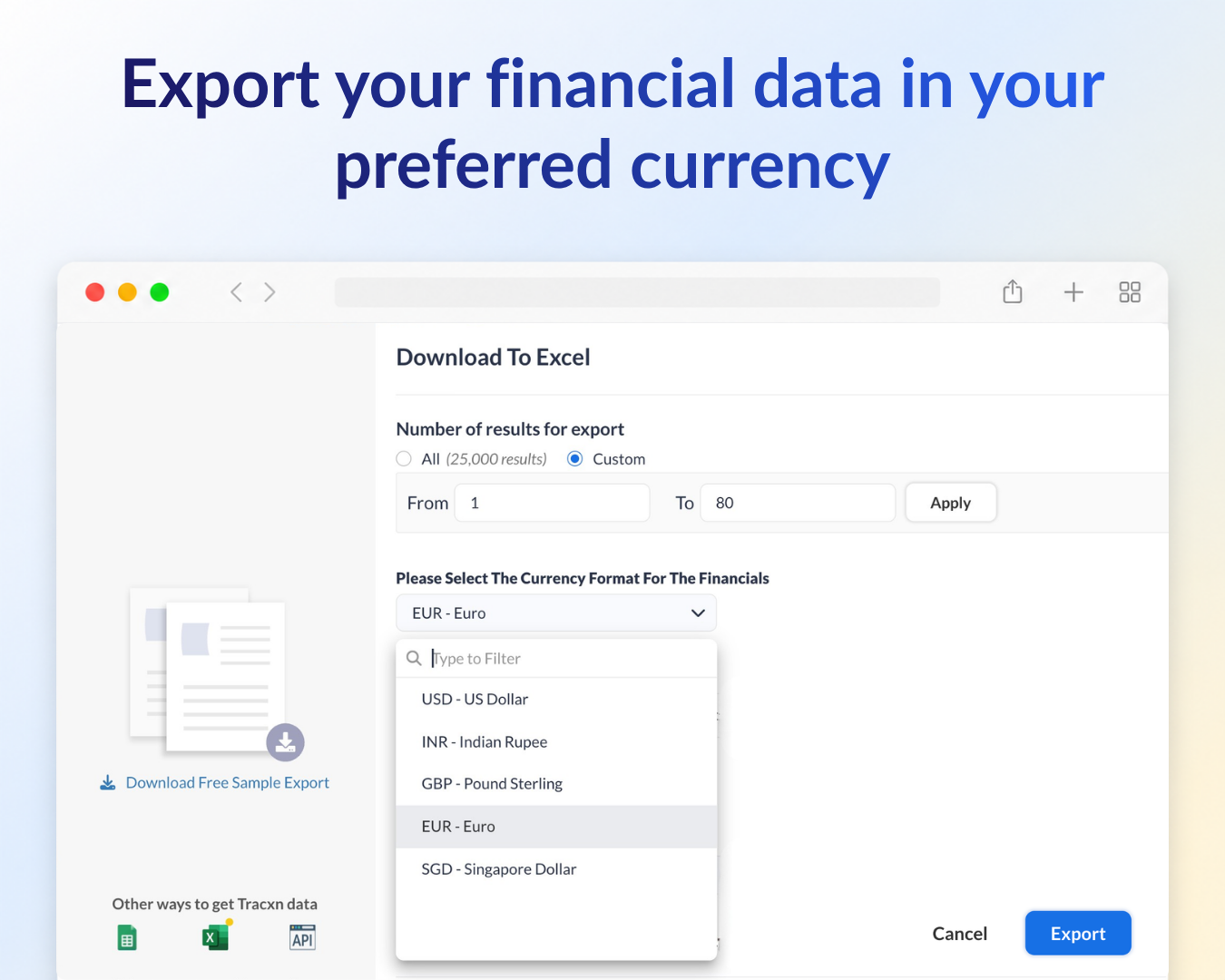
☑️ Pick from the Export modal – A currency selector now appears in the Download To Excel modal, so you set the currency right where you export.
☑️ Works across all database pages – Company database, Investor database, People database, and more - wherever a database page has an export option, you will see the currency selector.
We’ve got you covered 24/7.
Reach out via live chat, email at support, or WhatsApp—we’re always here to help.
Premium features, no strings attached. See what the full platform can do for your research.