See the Investments & Acquisitions behind any Legal Entity
See the Investments & Acquisitions behind any Legal Entity
August 24, 2026
·
Data coverage
Read the growth strategy from the deal history
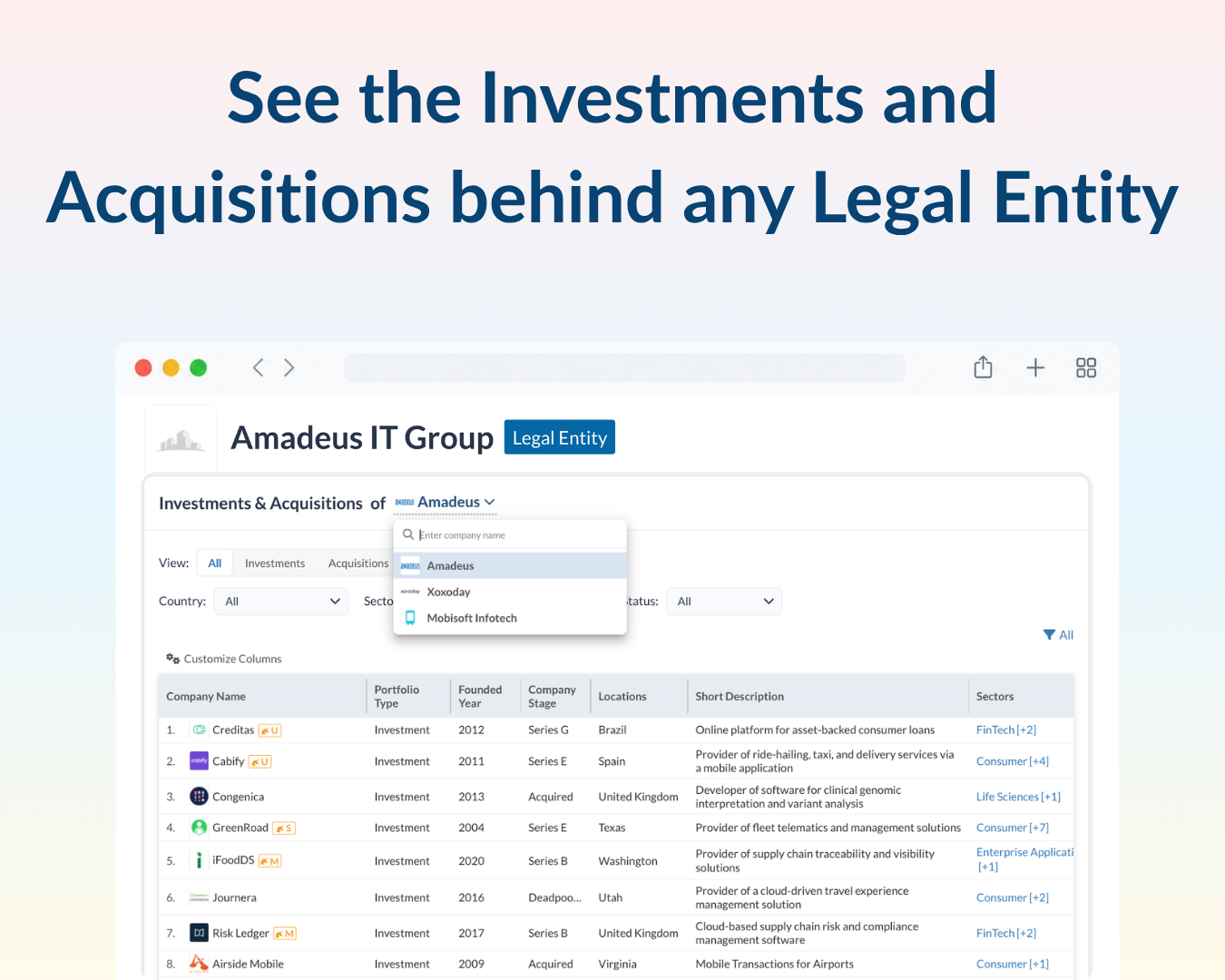
See every investment and acquisition – Open a legal entity and see the deals made by its linked companies - with portfolio type, investment status, company stage, and sector for each.
Filter to the deals that matter – Narrow the list by Country, Sector, or Investment Status, or switch the view to investments or acquisitions only.
Pick the linked company – Use the dropdown next to “Investments & Acquisitions of” to switch between linked companies.