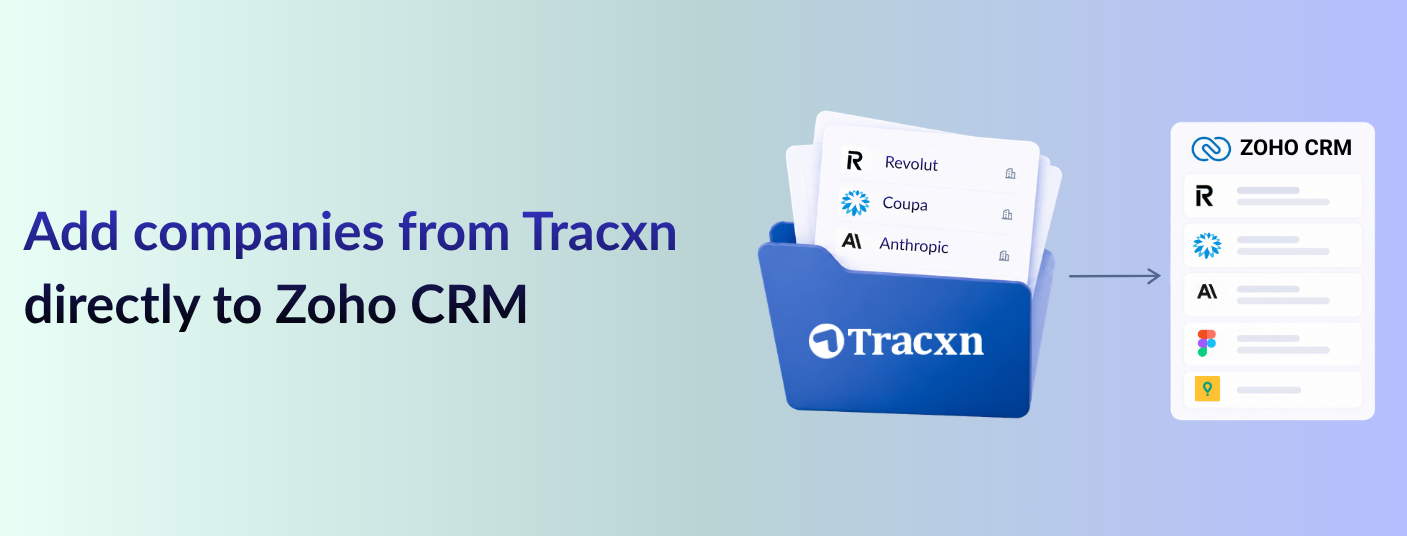
One-click company sync to Zoho CRM - Find a company on Tracxn and add it to Zoho CRM in one click. Company details land directly in your CRM without copy-pasting.
Bulk add up to 30 companies at once - On any company database page, select up to 30 companies using the checkboxes and push them all to Zoho CRM in one go using the “Add to CRM” button - no need to add them one by one.
Customizable data fields - Choose exactly which data points sync to Zoho CRM - customize the default field mapping, or skip it and use the standard setup.
Stay on top of your Zoho CRM activity from Tracxn - Once a company is added, the Account Owner and Last Activity Date appear directly on the Tracxn profile - so your team stays aligned and can track all CRM activity without switching tools.
Manage your Zoho CRM records directly from Tracxn - Use the Manage option on the Tracxn profile to view the synced record in Zoho CRM or remove it.
How to get started
Connect Zoho CRM
On any company profile, click Add to CRM.
In the Set Default CRM modal, select Zoho CRM and click Connect & Set as Default.
Complete the Zoho CRM authentication flow to establish the connection.
Once connected, customize the default field mapping - or skip this step.
Start adding
The CTA now shows Add to Zoho CRM. Click it to push the company to your CRM.
After the company is added, the CTA changes to Manage - use it to View or Remove the company.
Note: Connecting requires a paid Zoho CRM account - the connection will not work with a free account.


.gif)