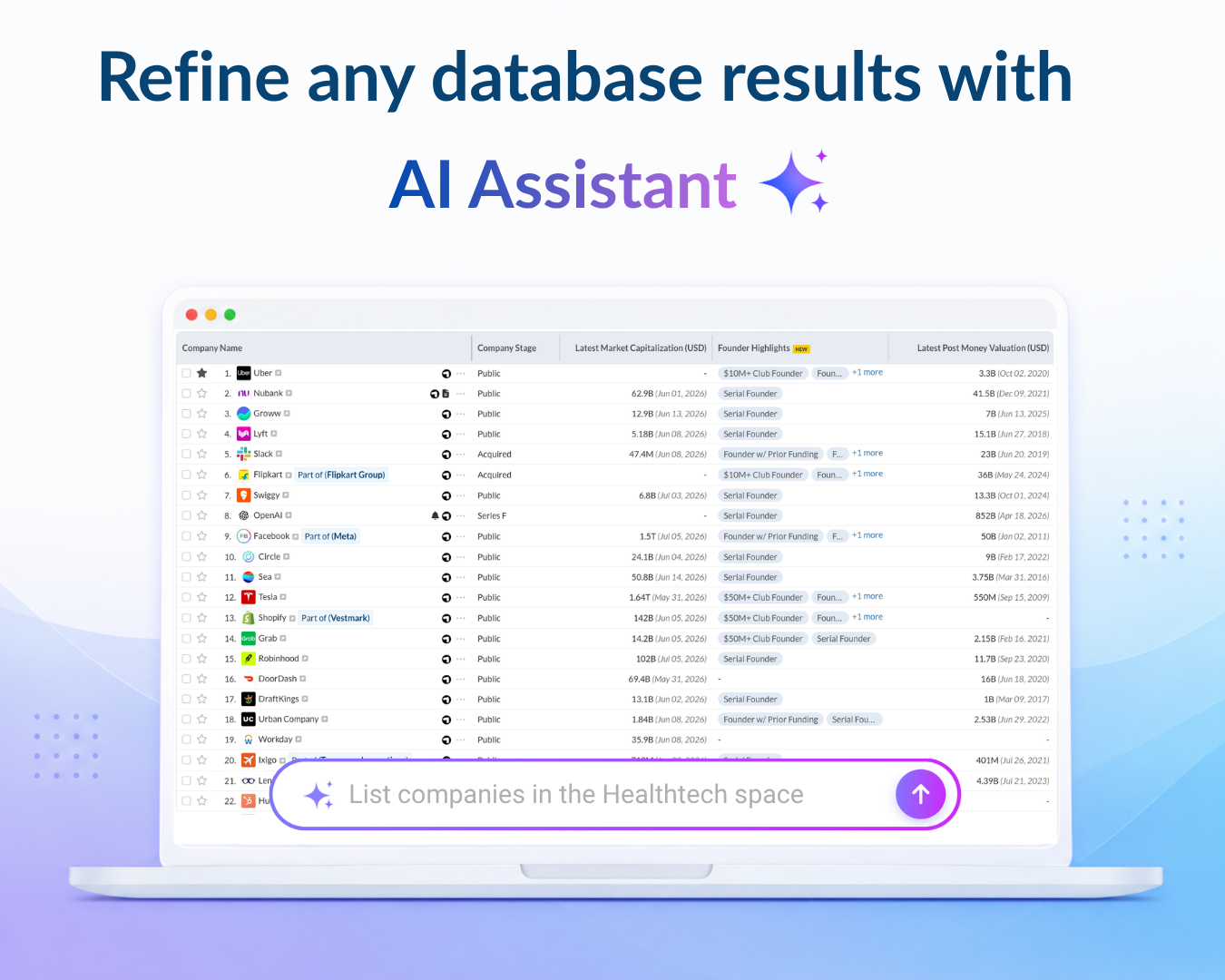
Ask instead of filtering manually – Type a query like “Show Series B fintech companies in USA” and the right filters and sorting get applied to the database instantly.
Get answers about the list on your screen – Ask questions about the database view you’re already on - e.g. “Summarize the top 5 companies here - what do they do and when did they last raise?” - and get the answer without leaving the page.
Keep working on the full list – The results stay in the database view, so you can continue refining, sorting, and exporting the complete list - not just a handful of results in chat.