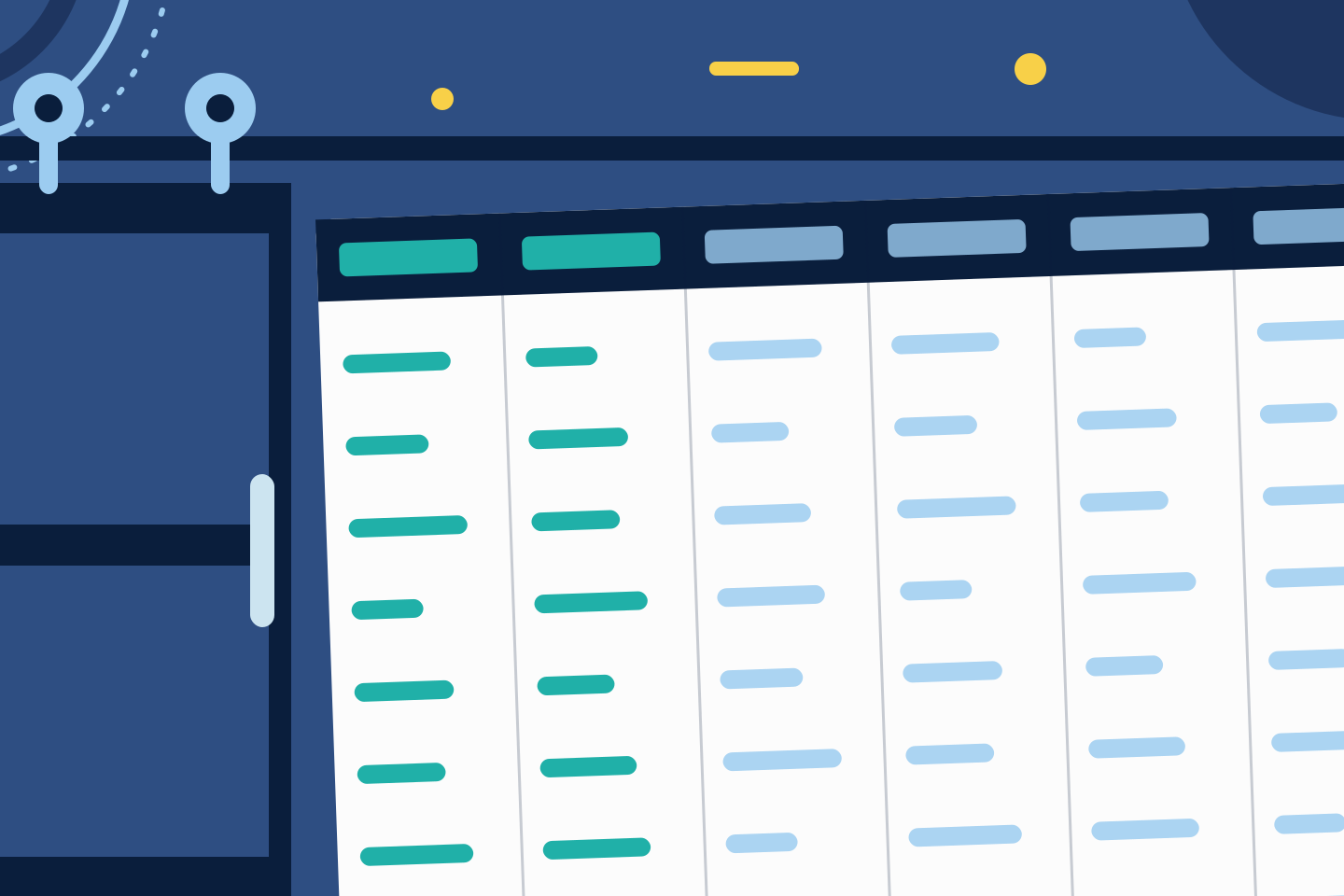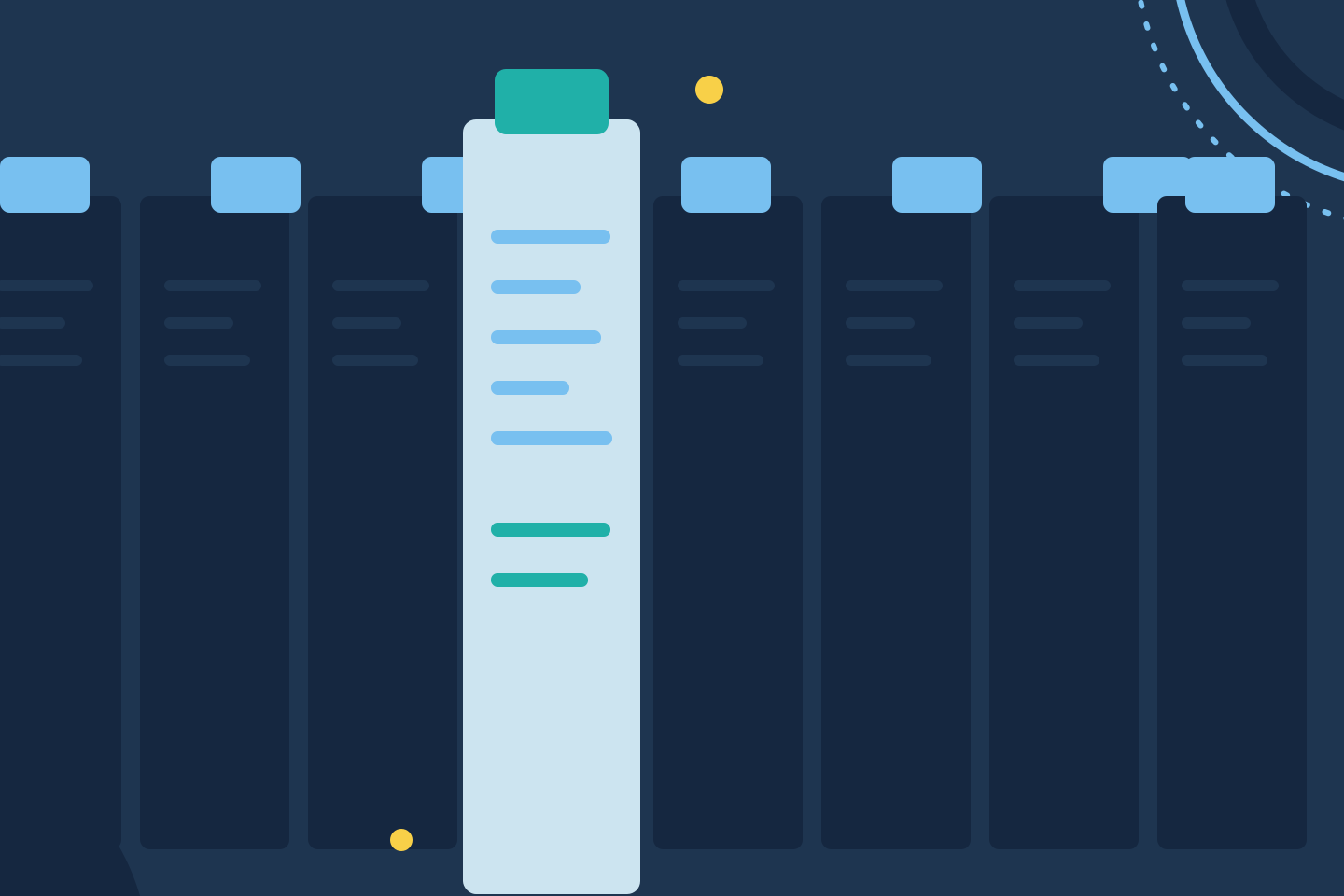

The way you interact with table views is transformed, ensuring less time is spent configuring and more time is spent analyzing:
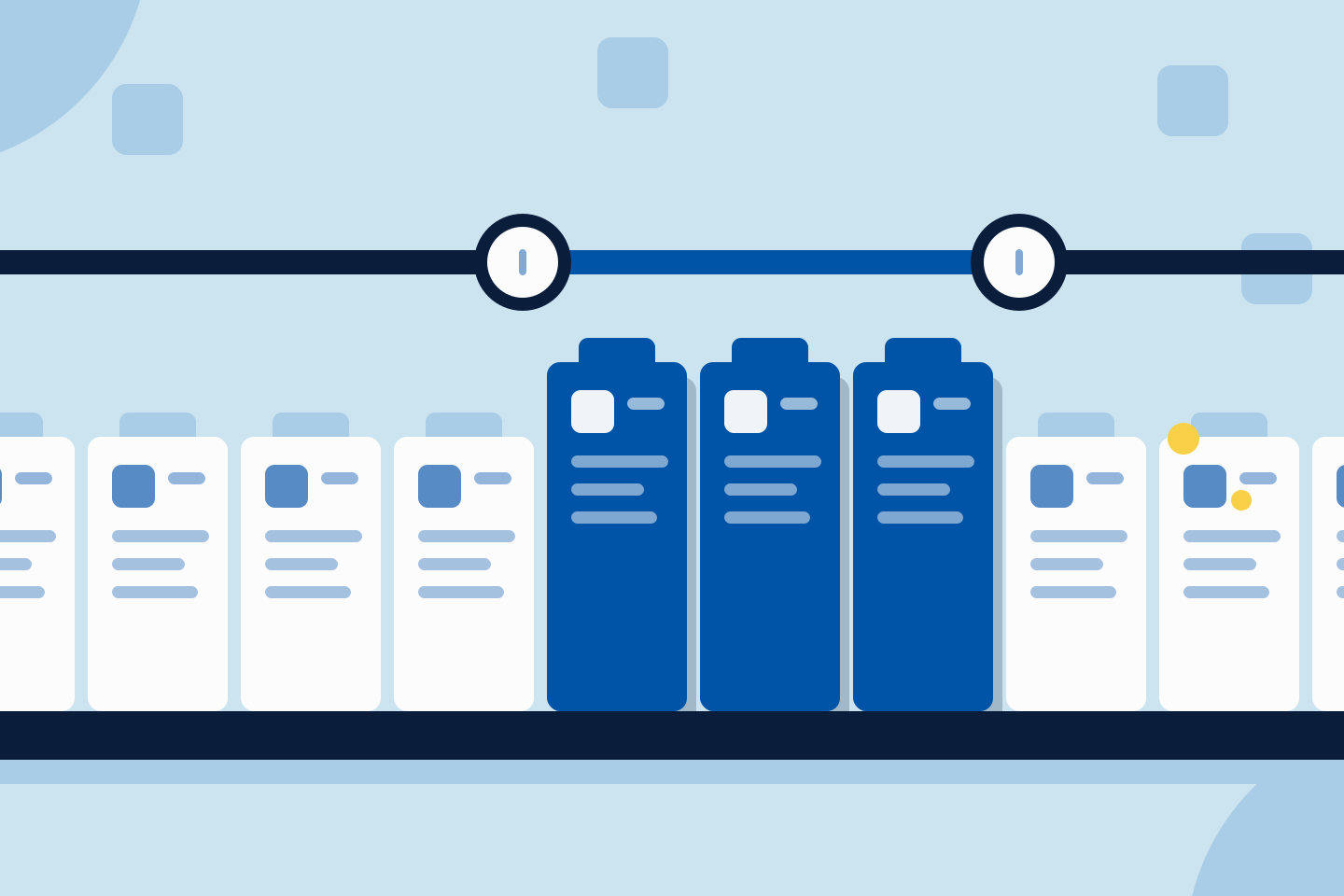
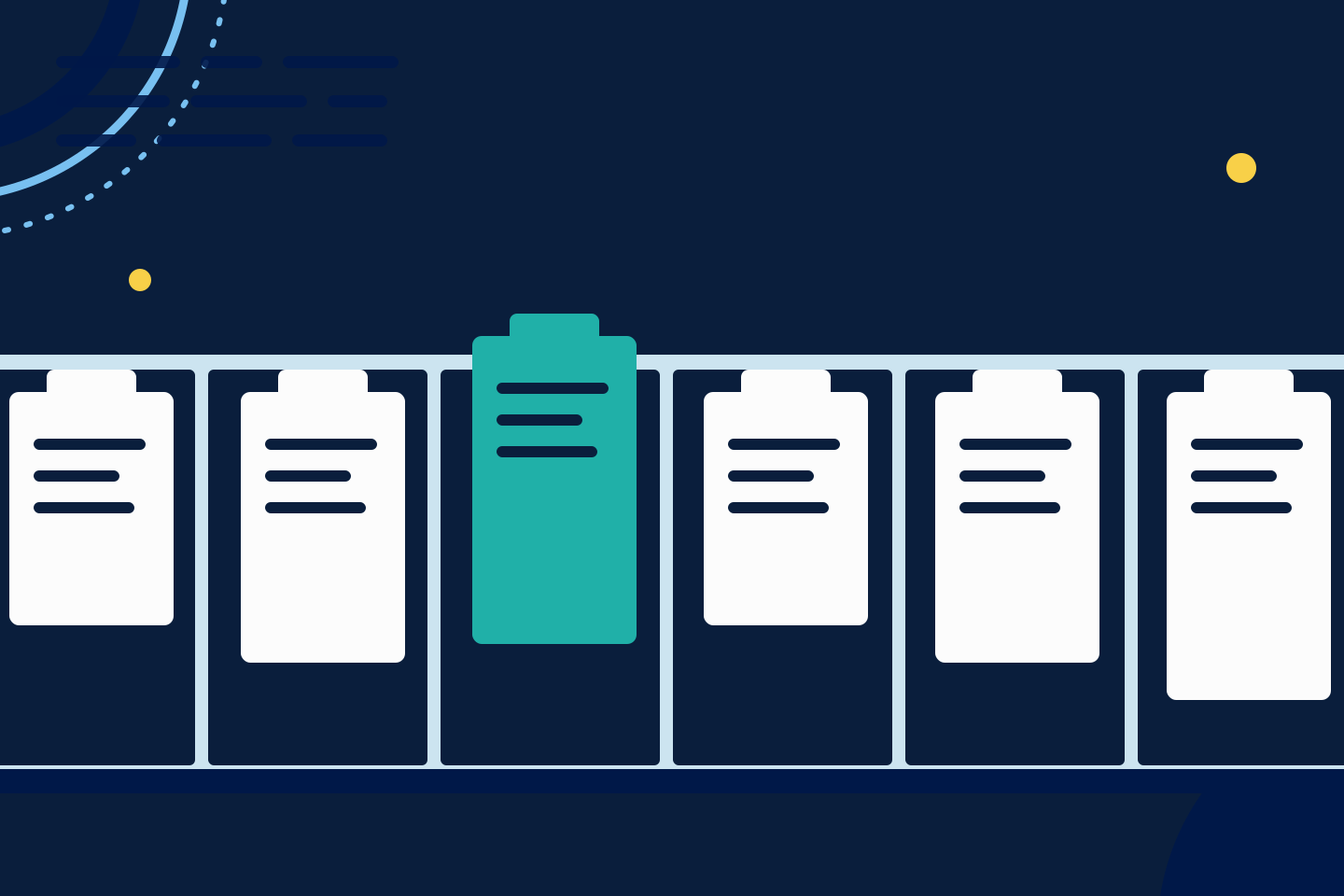
✅ Seamless Reordering: Simply drag and drop any unlocked column to change its position and arrange your view exactly how you want it.
✅ Flexible add/remove options: Remove any column with a click, or hit “Restore to Default” anytime to reset your table to its original structure.
We’ve got you covered 24/7.
Reach out via live chat, email at support, or WhatsApp—we’re always here to help.
Premium features, no strings attached. See what the full platform can do for your research.