Download any table as an Excel file in AI Assistant
Download any table as an Excel file in AI Assistant
July 16, 2026
·
AI Assistant
From chat to spreadsheet in one click
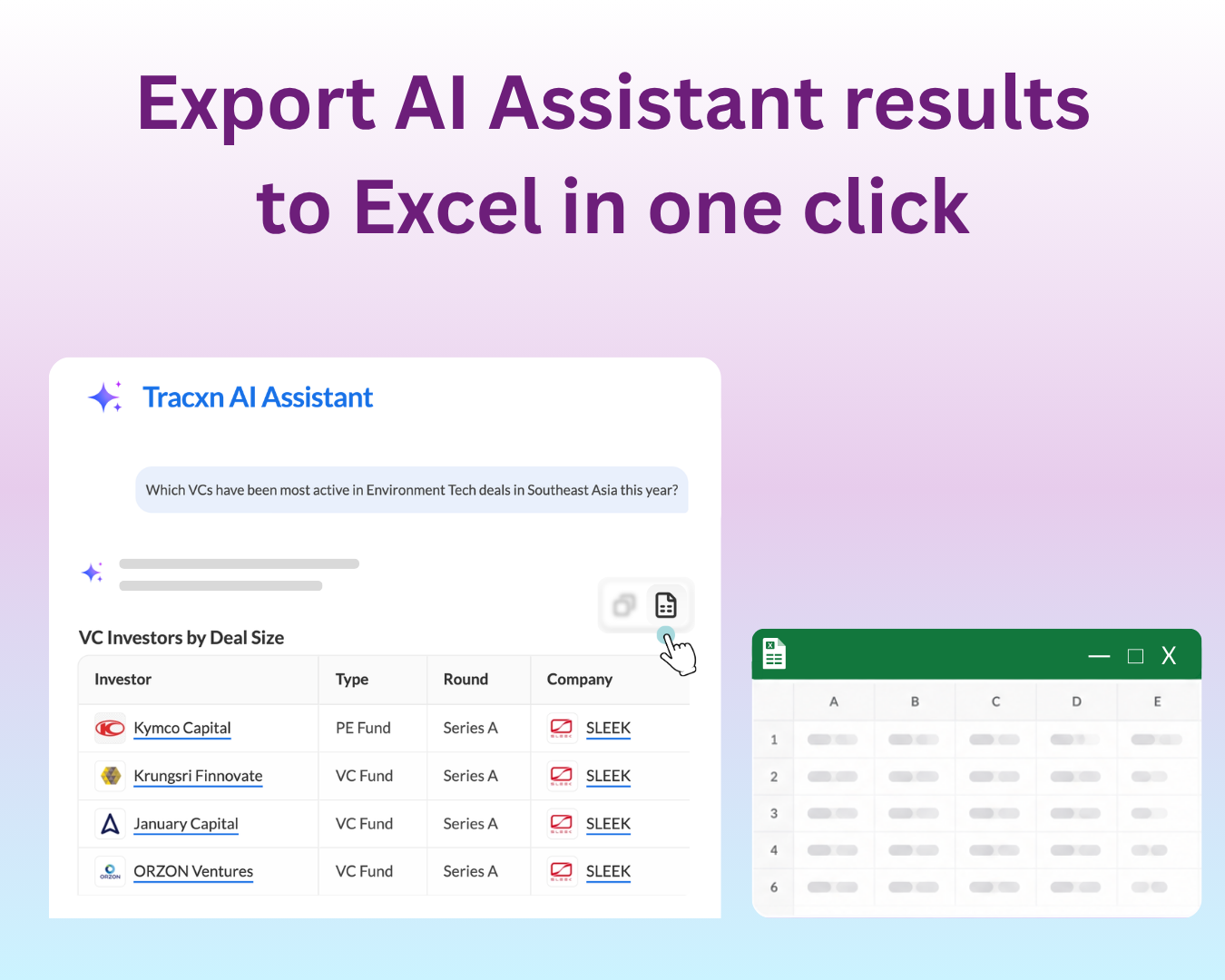
Download any table instantly - Hover over a results table in AI Assistant and click the “Download Excel” button in the top right. The file includes all the columns shown in the table.
Ready to use, no reformatting - The Excel file comes properly structured, so you can analyze or share it straight away.
Need the full list? - For larger result sets, click the “Export this list” CTA in the response - it takes you straight to the export window on the database page, where you can download the complete filtered list.
How to get started
Ask the AI Assistant a query that returns a table (e.g. a list of investors).
Hover over the table - the “Download Excel” button appears in the top right.
Click it, and the Excel file downloads with all the columns in view.
Need help?
We’ve got you covered 24/7. Reach out via live chat, email at support, or WhatsApp—we’re always here to help.
Share
Try Tracxn for free
Premium features, no strings attached. See what the full platform can do for your research.