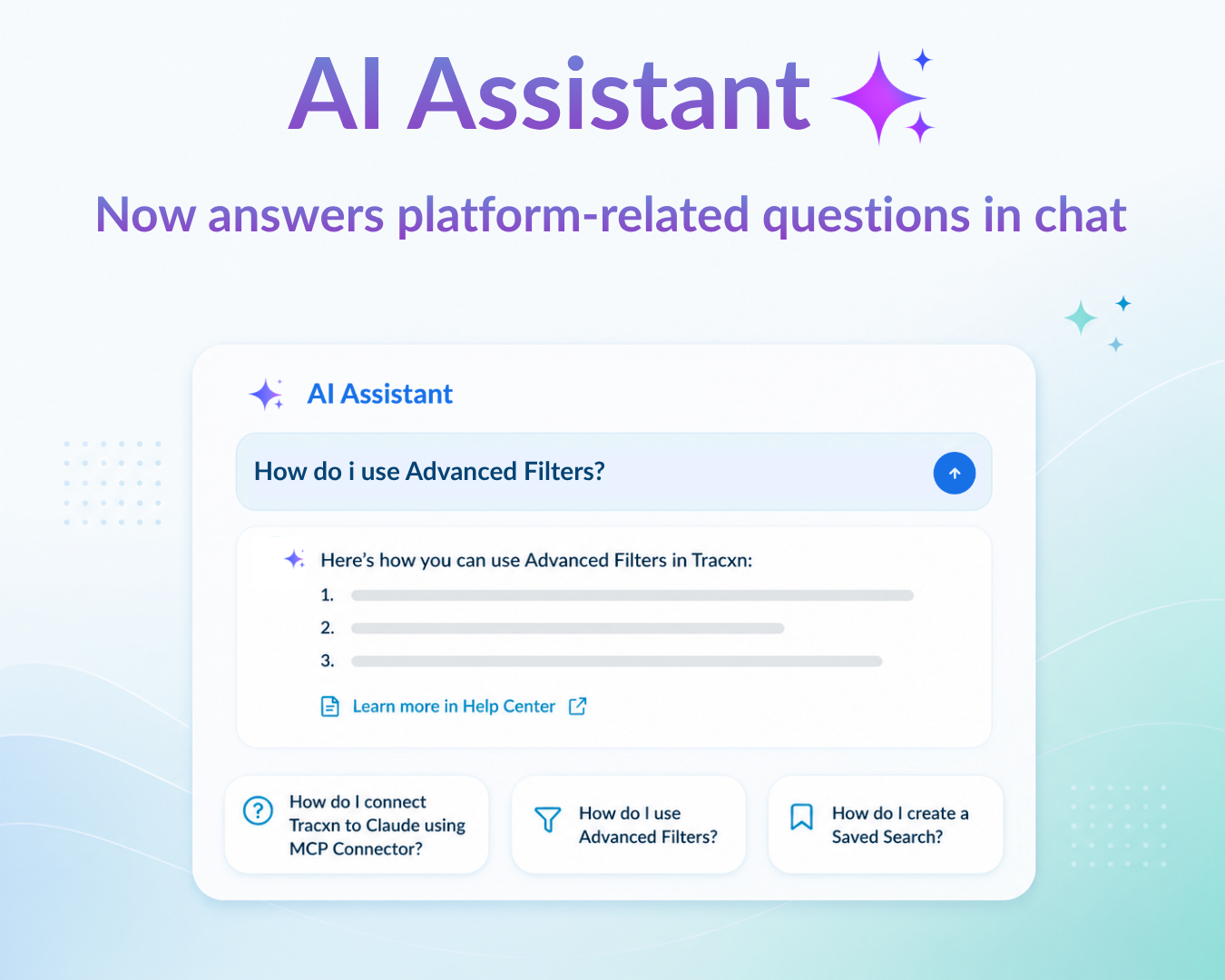
☑️ Get platform guidance without leaving the conversation - Ask how to use Tracxn features and workflows, and get answers directly within the AI Assistant.
☑️ Step-by-step guidance that’s ready to follow - You get the actual walkthrough (e.g. the exact Settings → Connectors path), so you can act on it straight away.
Note: These answers are pulled from Tracxn’s Help Center, and each response includes links to the help pages the information came from - so you can open them for the full context. To read more about the AI Assistant, visit the Help Center.
We’ve got you covered 24/7.
Reach out via live chat, email at support, or WhatsApp—we’re always here to help.
Premium features, no strings attached. See what the full platform can do for your research.