Find any text instantly within filings using the Search option
Find any text instantly within filings using the Search option
July 28, 2026
·
Platform
Find what you need in seconds
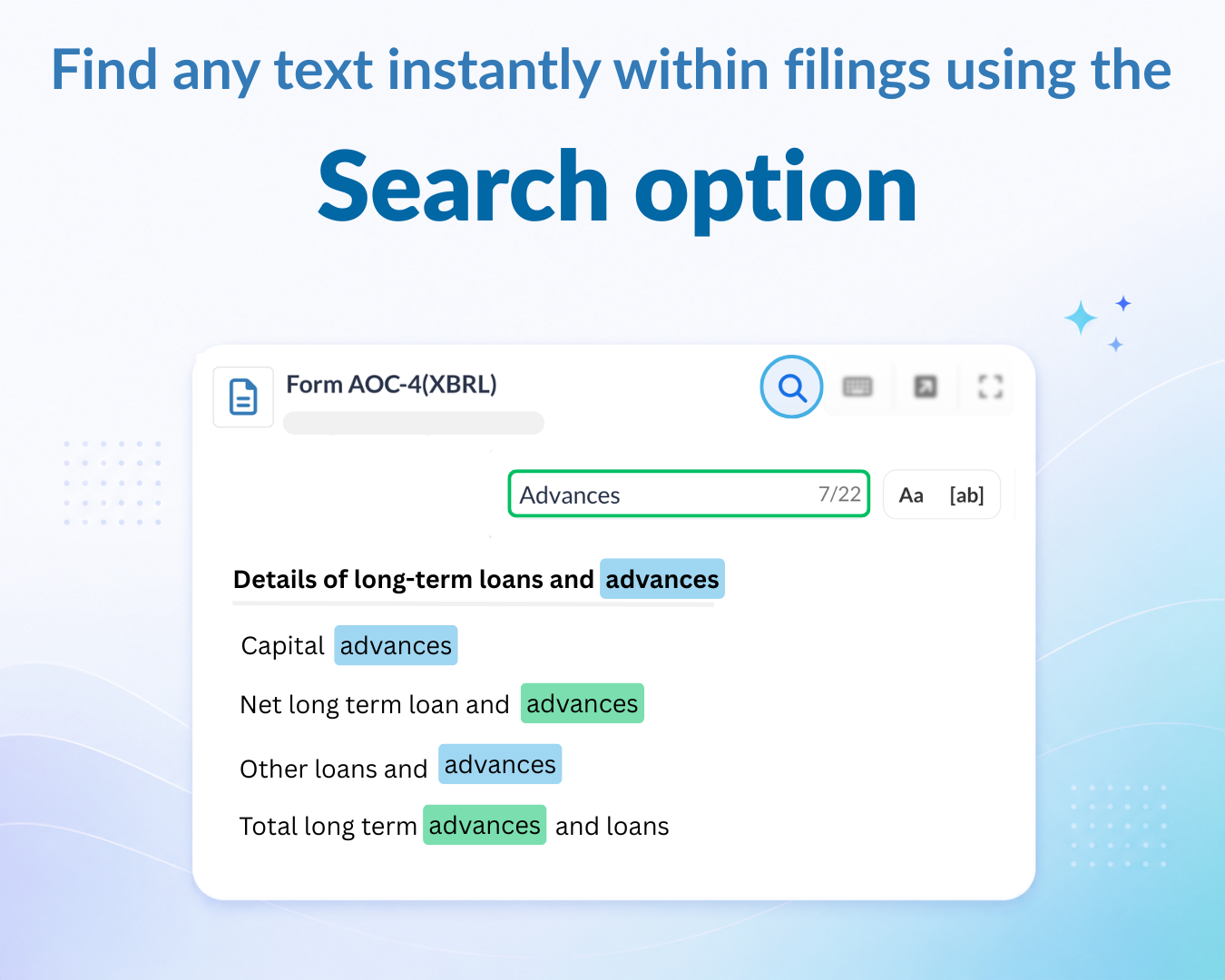
Search any filing - Click the search icon in the File Viewer, type your term (e.g. “total income” or “promoters”), and jump between every match in the document.
Faster document analysis - Quickly locate financial statements, promoter details, board information, legal disclosures, and other important sections without manually scrolling through the document.
Available across the platform - The search option is available wherever PDF filings are displayed, including company profile pages, Legal Entity profile pages, and more.
Where to find it
Open any filing from any page on Tracxn.
Click the 🔍 search icon in the top-right of the File Viewer.
Type your term and use the arrows to move between matches.
Need help?
We’ve got you covered 24/7. Reach out via live chat, email at support, or WhatsApp-we’re always here to help.
Share
Try Tracxn for free
Premium features, no strings attached. See what the full platform can do for your research.