
This transforms your workflow into a high-powered research partner that understands the “why” and “how” behind the data:
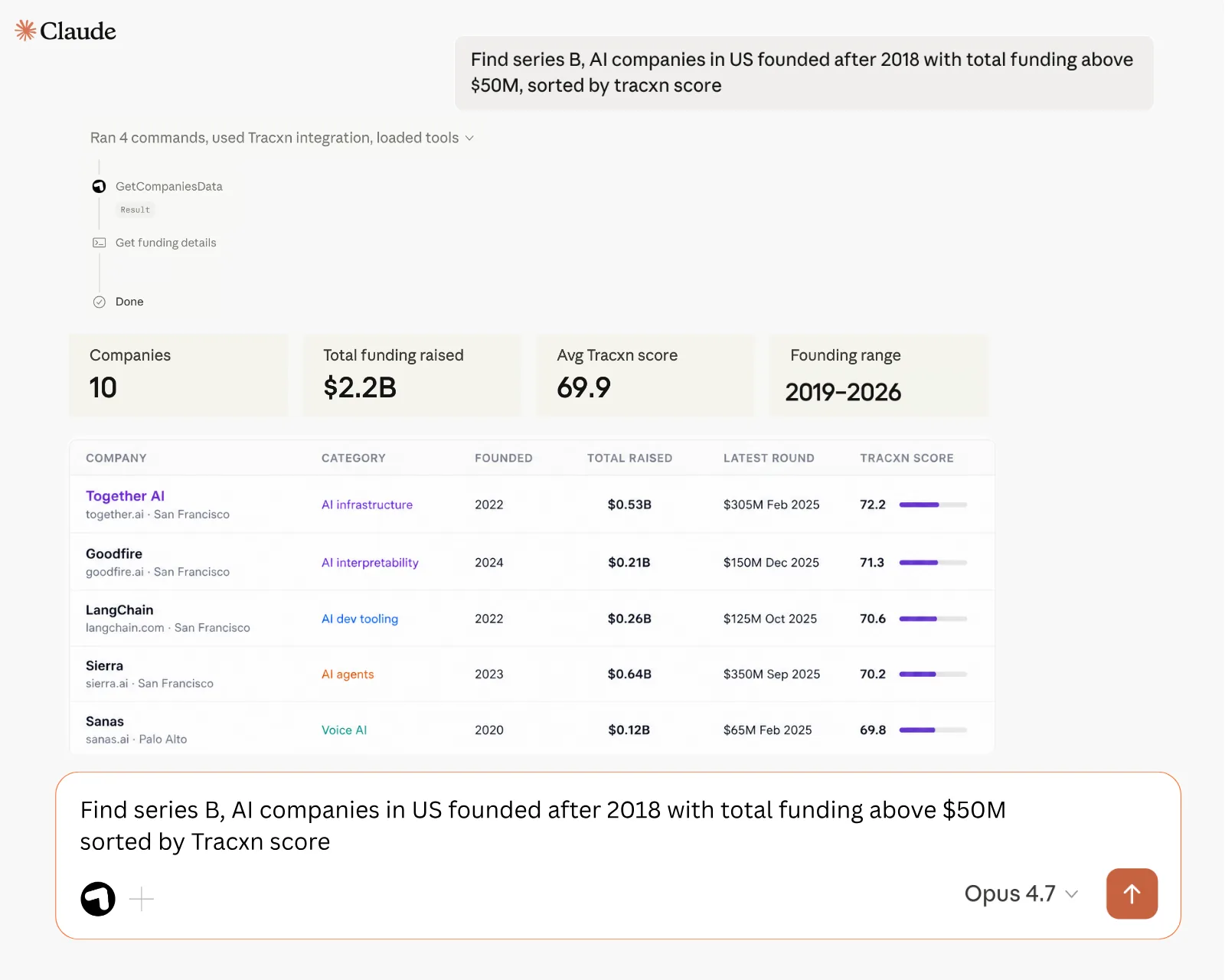
Watch the full setup walkthrough below.
If you don’t have access to Tracxn MCP, you can request it directly from the platform.
1. Go to Integrations from the left navigation
2. Select AI Integrations
3. Choose Tracxn MCP
4. Click on Request Access
5. Fill in your details and submit the request
We’ve got you covered 24/7.
Reach out via live chat, email at support, or WhatsApp—we’re always here to help.
Premium features, no strings attached. See what the full platform can do for your research.