What's new
>
Legal Entity Portfolio: See every associated company in one place

Legal Entity Portfolio: See every associated company in one place

May 30, 2026

How does this improve your workflow

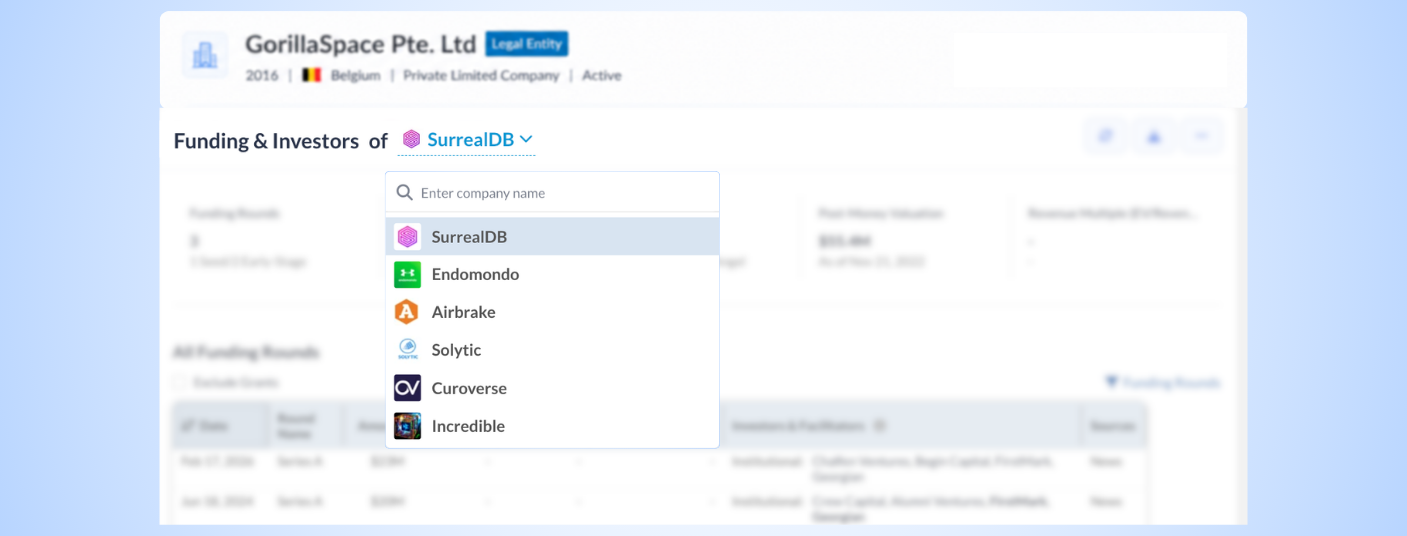
  • Switch among Associated Companies using dropdowns across all widgets - When a Legal Entity has multiple associated companies, switch between them using the dropdown at the top of each widget.
    The dropdown option to switch among associated companies is available across the following widgets:
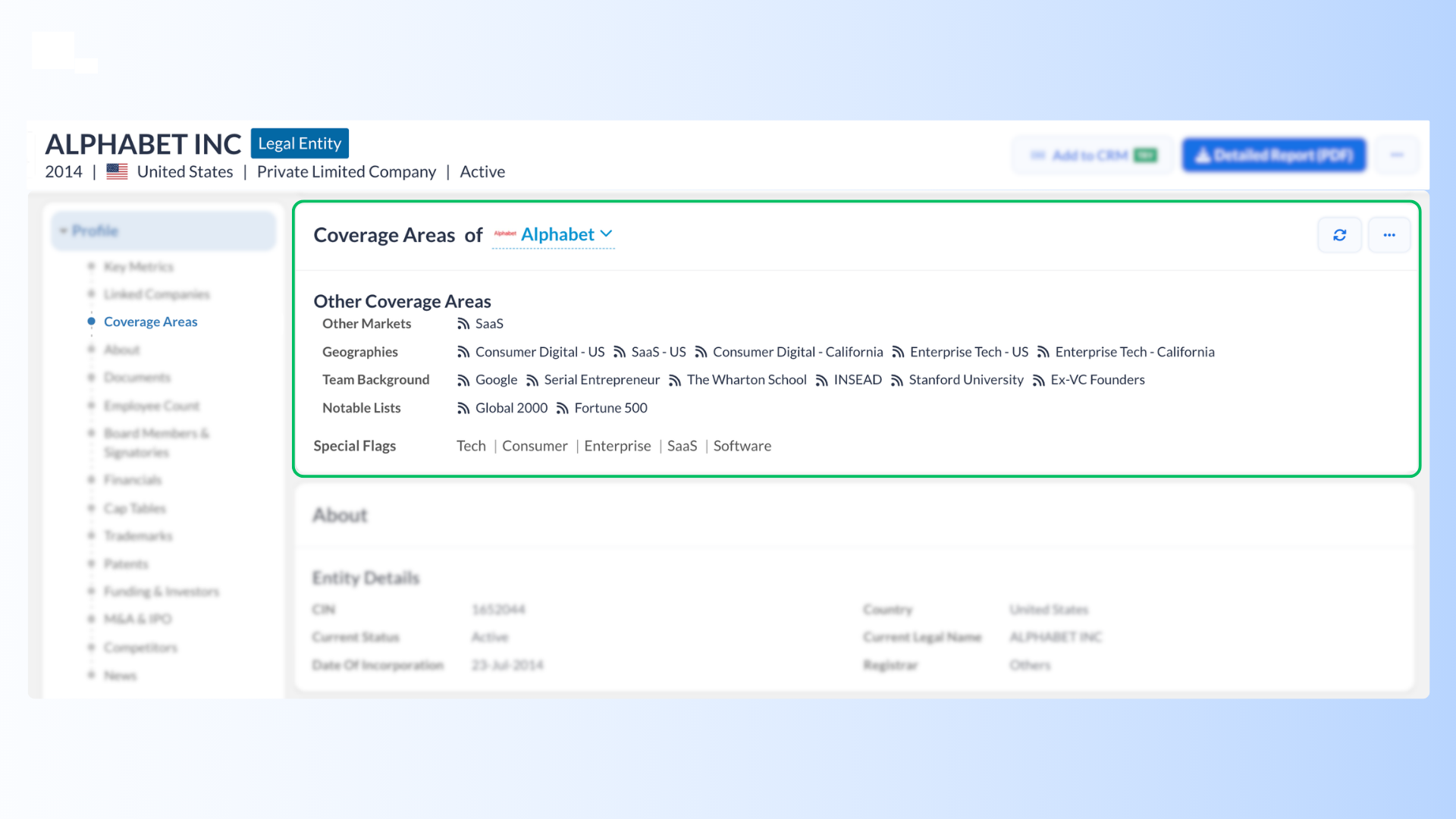
  • Coverage Areas widget - See which sectors and sub-sectors each associated company operates in.

Where to find it

1] Open any LEDP.
2] Select from the left navigation menu - Funding & Investors, M&A & IPO, or Coverage Areas widget.
3] Use the dropdown at the top of any widget to toggle between associated companies - the rest of the page updates automatically.

Need help?

We’ve got you covered 24/7.
Reach out via live chat, email at support, or WhatsApp—we’re always here to help.

Try our premium features for FREE - no threads attached!
Learn More
Get Started. It's Free!